
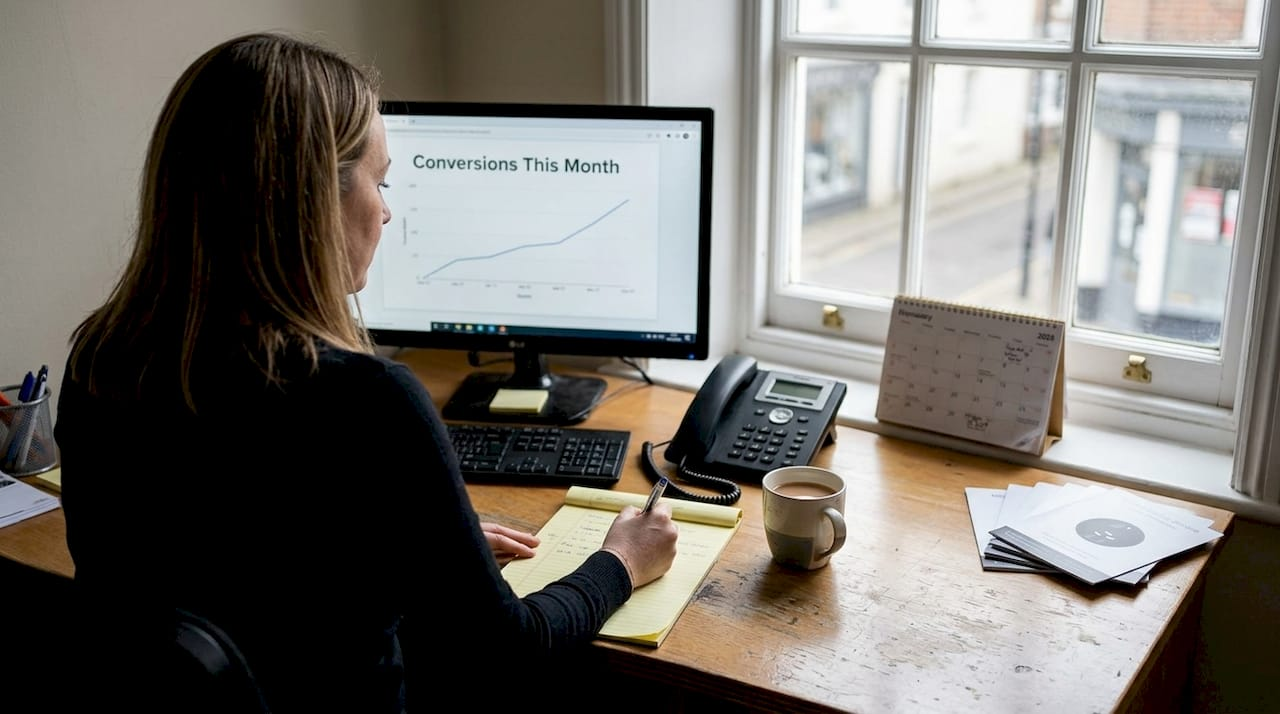
Many local UK business owners pour money into Google Ads, watching click counts rise yet wondering why actual sales or enquiries remain flat. The missing piece is conversion tracking, a powerful tool that reveals which ad clicks turn into real business outcomes like phone calls, form submissions, or purchases. Without it, you’re flying blind, unable to see whether your advertising budget drives genuine growth or simply vanishes into the digital ether. This guide explains what conversion tracking is, how it works, the types relevant to local businesses, setup essentials, and practical tips to optimise your campaigns for measurable success.
Table of Contents
- Key takeaways
- What conversion tracking is and why it matters for local businesses
- How conversion tracking works: steps and mechanics explained
- Types of conversion tracking local UK businesses should consider
- Common challenges and best practices to ensure accurate conversion tracking
- Boost your business with expert Google Search Ads management
- FAQ
Key Takeaways
| Point | Details |
|---|---|
| Define conversions clearly | Conversion tracking identifies which ad actions count as real business outcomes rather than mere clicks. |
| Tagging and attribution | Setup involves placing tags on conversion pages and choosing an attribution model to credit ads. |
| Local actions tracked | Common conversions for local businesses include phone calls, form submissions, store visits, and online purchases. |
| Boost campaign ROI | Accurate tracking helps optimise spend by highlighting winners and cutting underperformers. |
What conversion tracking is and why it matters for local businesses
Conversion tracking measures how ad clicks lead to valuable actions like purchases, leads, sign-ups, or calls, providing insights into ad performance and business success. For local UK businesses, this means seeing beyond vanity metrics like impressions or clicks to understand which campaigns generate actual customers. A plumber might track phone calls from ads, whilst a local shop tracks online orders or in-store visits triggered by search ads.
Counting clicks alone tells you nothing about business growth. You could rack up hundreds of clicks from users who bounce immediately, never converting into paying customers. Conversion tracking bridges this gap by connecting ad interactions to real business outcomes, showing which keywords, ad copy, and audiences drive profitable actions. This clarity transforms guesswork into data-driven decisions.
Local businesses benefit enormously because their goals differ from national brands. You care about phone enquiries, appointment bookings, or foot traffic to your shop, not abstract brand awareness. Conversion tracking lets you measure these specific actions, ensuring every pound spent on ads works towards tangible results. It also reveals which campaigns waste money, allowing you to cut underperformers and double down on winners.
For UK business owners navigating Google Search Ads vs SEO, conversion tracking provides the evidence needed to justify advertising spend. Without it, you’re left wondering whether ads outperform organic efforts or simply drain resources.
“Conversion tracking is the difference between hoping your ads work and knowing they do. It turns advertising from an expense into an investment with measurable returns.”
Key conversion actions for local businesses include:
- Phone calls from click-to-call extensions
- Form submissions for quotes or bookings
- Online purchases or transactions
- Store visits tracked via location data
- Email sign-ups or newsletter subscriptions
How conversion tracking works: steps and mechanics explained
Setting up conversion tracking involves three core steps that transform raw ad clicks into actionable business intelligence. First, define what counts as a conversion for your specific business. A solicitor might prioritise contact form submissions, whilst a restaurant focuses on online reservations or phone calls. Be precise about which actions represent genuine business value, avoiding the trap of tracking meaningless interactions like homepage views.

Second, install tracking tags on key pages where conversions occur. These tags involve installing tracking code on thank-you pages or via Google Tag Manager, capturing data when users complete desired actions. For a form submission, place the tag on the confirmation page users see after submitting. For phone calls, use Google’s call tracking numbers that record when ads generate calls. Tags fire when users reach these pages, sending conversion data back to Google Ads.
Third, choose an attribution model to credit which ads generated conversions. Last-click attribution gives all credit to the final ad a user clicked before converting, whilst data-driven models distribute credit across multiple touchpoints in the customer journey. For local businesses with short sales cycles, last-click often suffices, but service businesses with longer consideration periods benefit from more sophisticated models.
You can implement tags two ways: directly pasting code into your website’s HTML or using Google Tag Manager for cleaner, more flexible management. GTM lets you add, edit, and test tags without touching site code, reducing technical barriers and allowing quick adjustments. For local business owners without web developers on staff, GTM simplifies ongoing tracking maintenance.
Pro Tip: Use GTM’s preview mode to test tags before publishing them live, ensuring they fire correctly on target pages. Wait 48 to 72 hours after setup to verify conversion data appears accurately in Google Ads, as initial data can lag.
The mechanics behind conversion tracking rely on cookies and pixels that follow users from ad click through to conversion. When someone clicks your ad, Google sets a cookie in their browser. If they later complete a tracked action on your site, the tag recognises the cookie and attributes the conversion to the originating ad. This process happens invisibly, providing you with reports showing which campaigns, keywords, and ads drive real business outcomes.
Understanding Google Ads tracking methods boost local business success by revealing performance patterns you’d otherwise miss. Similarly, optimising your Google Search Ads campaign becomes possible only when conversion data shows what works and what doesn’t.
- Define your conversion actions based on business goals
- Install tracking tags on confirmation or thank-you pages
- Select an attribution model matching your sales cycle
- Test tags thoroughly before relying on the data
- Monitor conversion reports to guide optimisation decisions
Types of conversion tracking local UK businesses should consider
Local UK businesses can track various conversion types depending on their business model and customer journey. Website conversions include form submissions and online purchases, capturing actions users complete directly on your site. A local accountant might track contact form fills requesting consultations, whilst an online bakery tracks completed orders. These conversions require placing tags on confirmation pages users reach after completing the desired action.

Phone call conversions matter enormously for service businesses where customers prefer speaking directly before committing. Google provides call tracking numbers that replace your regular number in ads, recording when users dial from ads or click-to-call extensions. This tracking distinguishes between calls from ads versus other sources, showing which campaigns generate phone enquiries. For trades like plumbers or electricians, call conversions often outweigh website actions in importance.
App installs serve as conversions for businesses with mobile applications, tracking when users download your app after clicking ads. Whilst less common for small local businesses, restaurants with ordering apps or retailers with loyalty apps benefit from this tracking. It connects ad spend directly to app adoption, measuring a key growth metric.
Offline conversions bridge the gap between online ads and in-store actions, crucial for businesses with physical locations. Store visit conversions use location data to estimate when ad clicks lead to shop visits, whilst CRM-imported sales let you upload transaction data from your point-of-sale system, attributing in-store purchases back to specific ads. A local boutique could track both online orders and in-store sales driven by local search ads, gaining complete visibility into advertising ROI.
| Conversion type | How it’s tracked | When to use |
|---|---|---|
| Website actions | Tags on confirmation pages | Online purchases, form submissions, quote requests |
| Phone calls | Call tracking numbers in ads | Service businesses, trades, consultations |
| App installs | App tracking via Google Play or App Store | Businesses with mobile apps for ordering or loyalty |
| Store visits | Location data from mobile devices | Retail shops, restaurants, physical service locations |
| Offline sales | CRM data imports | Businesses with point-of-sale systems tracking transactions |
Choosing the right conversion types depends on understanding your customer journey. If most customers call before booking, prioritise call tracking. If online forms drive your pipeline, focus on form submission tracking. Many local businesses benefit from tracking multiple conversion types simultaneously, capturing the full picture of how ads drive business across channels. This comprehensive approach reveals which ads generate immediate online actions versus those that prompt offline behaviours like store visits or phone calls.
Common challenges and best practices to ensure accurate conversion tracking
Even well-intentioned tracking setups face obstacles that compromise data accuracy. Broken tags or missing consent mode represent the most common issues, preventing conversion data from reaching Google Ads. Tags break when website updates remove code snippets or when developers inadvertently delete tracking scripts. Missing consent mode occurs when businesses fail to implement cookie consent mechanisms required under UK privacy laws, blocking tags from firing for users who haven’t accepted tracking.
Short conversion windows create another frequent problem, especially for local service businesses with longer sales cycles. If you set a seven-day window but customers typically take two weeks to decide, you’ll miss conversions that fall outside the window. This undercounts your actual results, making campaigns appear less effective than they truly are. Conversely, excessively long windows risk attributing conversions to ads that played minimal roles in the decision.
Testing and verification prevent many headaches. Use Google Tag Manager’s preview mode to confirm tags fire correctly on target pages before publishing changes live. After setup, monitor conversion data for 48 to 72 hours, checking that numbers align with your actual business outcomes like received calls or completed orders. Discrepancies signal tracking problems requiring immediate attention.
Pro Tip: Choose conversion window lengths matching your typical customer journey. Service businesses with consultations might use 30-day windows, whilst retailers with impulse purchases work well with seven to 14 days. Review this periodically as customer behaviour evolves.
Browser privacy changes pose ongoing challenges as Safari, Firefox, and Chrome restrict third-party cookies and tracking capabilities. These restrictions limit conversion tracking accuracy, particularly for users who block cookies or browse in private modes. Implementing server-side tracking via tools like Google Tag Manager Server helps mitigate these issues, though it adds technical complexity. For most local businesses, accepting some data loss whilst focusing on trends rather than absolute numbers provides a practical compromise.
Regular review and maintenance keep tracking reliable over time. Schedule quarterly audits to verify tags still fire correctly, conversion windows remain appropriate, and attribution models reflect your business reality. As you launch new campaigns or website features, test tracking immediately to catch issues before they corrupt weeks of data. This proactive approach ensures your Google Ads checklist for UK local businesses includes ongoing tracking verification as a core component.
Key best practices include:
- Implement consent mode to comply with UK privacy regulations
- Test all tags thoroughly before relying on conversion data
- Set conversion windows matching your actual sales cycle length
- Use Google Tag Manager for easier tag management and testing
- Review tracking accuracy monthly, comparing reported conversions to business records
- Document your tracking setup so changes don’t break existing tags
Boost your business with expert Google Search Ads management
Understanding conversion tracking is one thing, but extracting maximum value from the data requires expertise and ongoing optimisation. Professional management of your Google Search Ads transforms tracking insights into strategic decisions that boost ROI and business growth. Rather than guessing which changes might improve performance, experts analyse conversion data to identify high-performing keywords, refine ad copy, and adjust bids for maximum profitability.
Tailored campaigns designed specifically for local UK business contexts deliver better results than generic approaches. Professionals understand how local search optimisation boosts UK business visibility, combining conversion tracking with geographic targeting and local intent keywords to attract nearby customers actively searching for your services. This focused strategy ensures your ad spend reaches the right people at the right time.
If you’re ready to unlock the full potential of your advertising budget through data-driven optimisation and expert conversion tracking management, consider partnering with specialists who understand both the technical mechanics and strategic application. Professional support helps you avoid costly mistakes whilst maximising returns from every pound spent on ads, turning optimising your Google Search Ads campaign from a daunting challenge into a systematic process that drives measurable business growth.
FAQ
What is conversion tracking?
Conversion tracking measures which ad clicks lead to valuable customer actions like calls, purchases, or form submissions. It helps businesses see the true impact of their advertising efforts beyond simple click counts. This visibility enables smarter budget allocation and campaign optimisation based on actual business outcomes.
How do I set up conversion tracking for my local business?
Define what actions you want to track, such as calls, form submissions, or purchases based on your business goals. Install tracking tags using Google Ads conversion tracking or Google Tag Manager on confirmation pages where conversions occur. Verify tracking works correctly with Google’s testing tools and preview modes before analysing data for optimisation decisions.
What are the common mistakes to avoid with conversion tracking?
Broken or missing tracking tags prevent data collection, leaving you blind to campaign performance. Ignoring privacy consent requirements violates UK regulations and blocks tracking for many users. Using conversion windows too short for your sales cycle undercounts actual conversions, whilst failing to test tracking before launch wastes time collecting inaccurate data. Regular audits using your Google Ads checklist help catch these issues early.
Can I track offline conversions such as store visits?
Yes, you can track offline conversions by importing sales or visit data from your CRM or point-of-sale system into Google Ads. This links offline customer actions back to your online ads, providing fuller insight into how digital advertising drives in-store results. Store visit conversions use location data to estimate when ad clicks lead to physical shop visits, particularly valuable for retail and hospitality businesses.